
EngineeringLive on Google Play
Cut List Optimizer: 1D & 2D
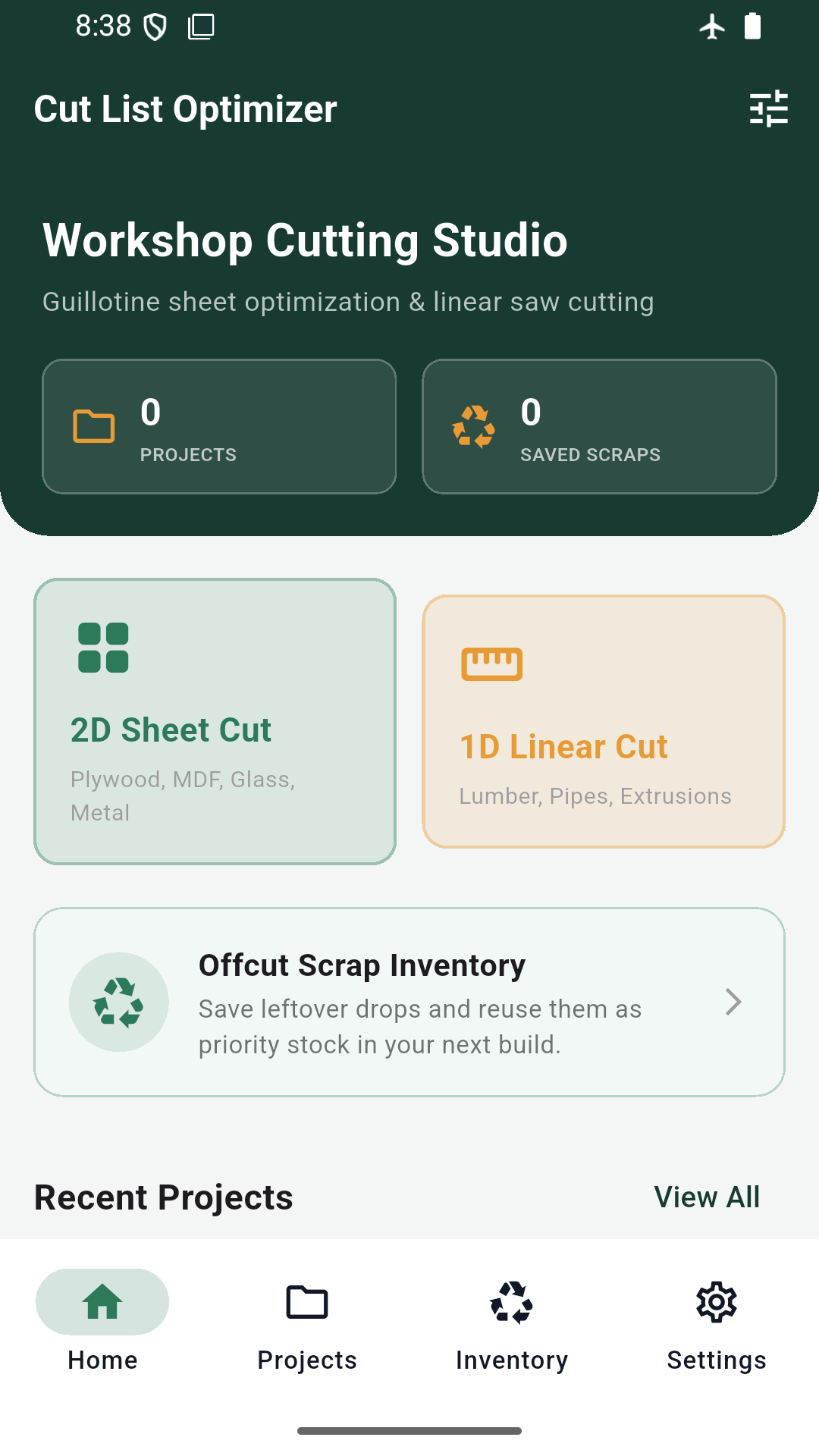
Plan 1D stock and 2D sheet cuts with kerf, trim, grain and reusable offcuts.
Package: com.ragheb.cutlistoptimizer
On-Device MathWorks Offline
Verified In-App Preview
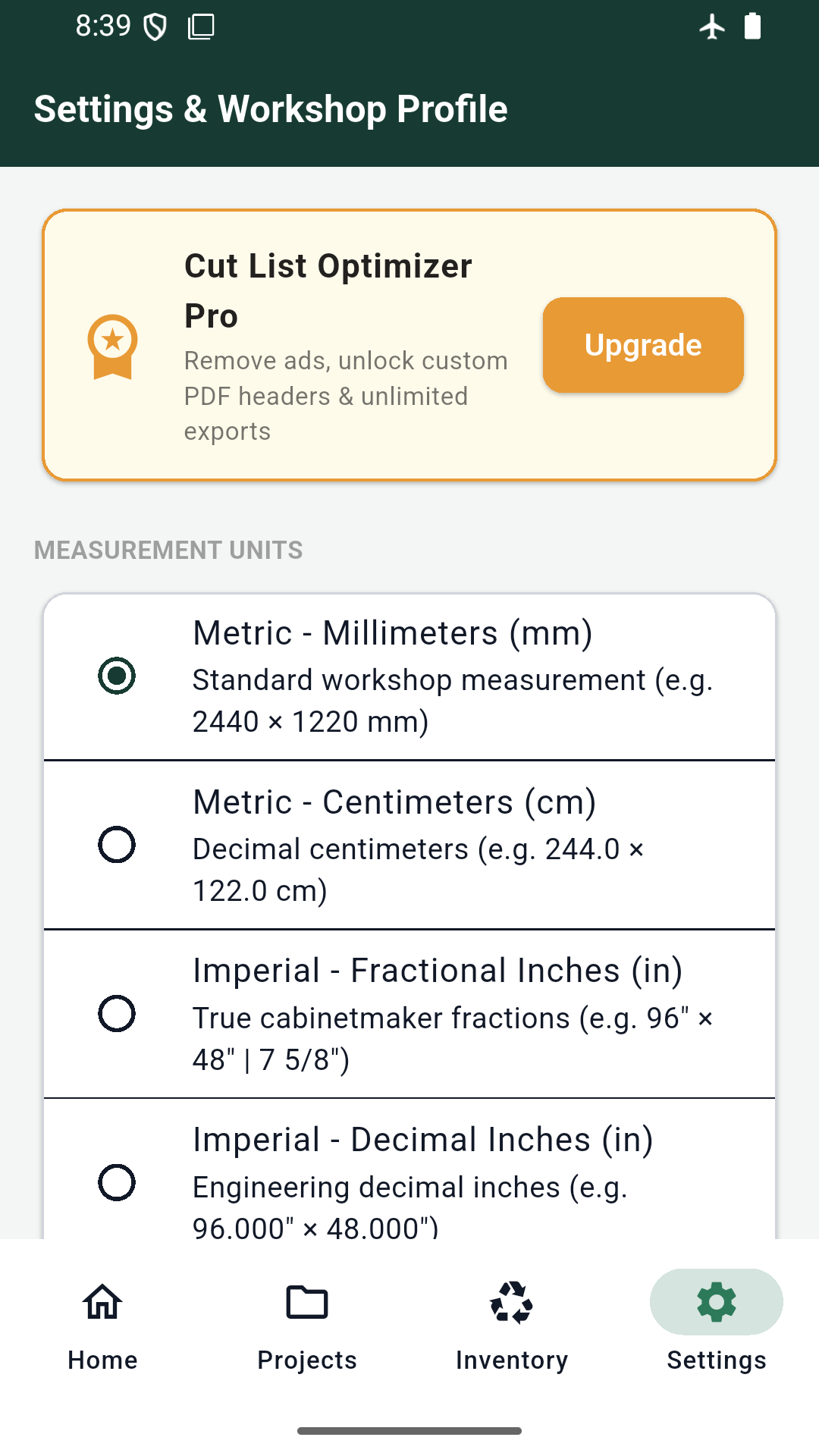
Demo Walkthrough & Screenshots
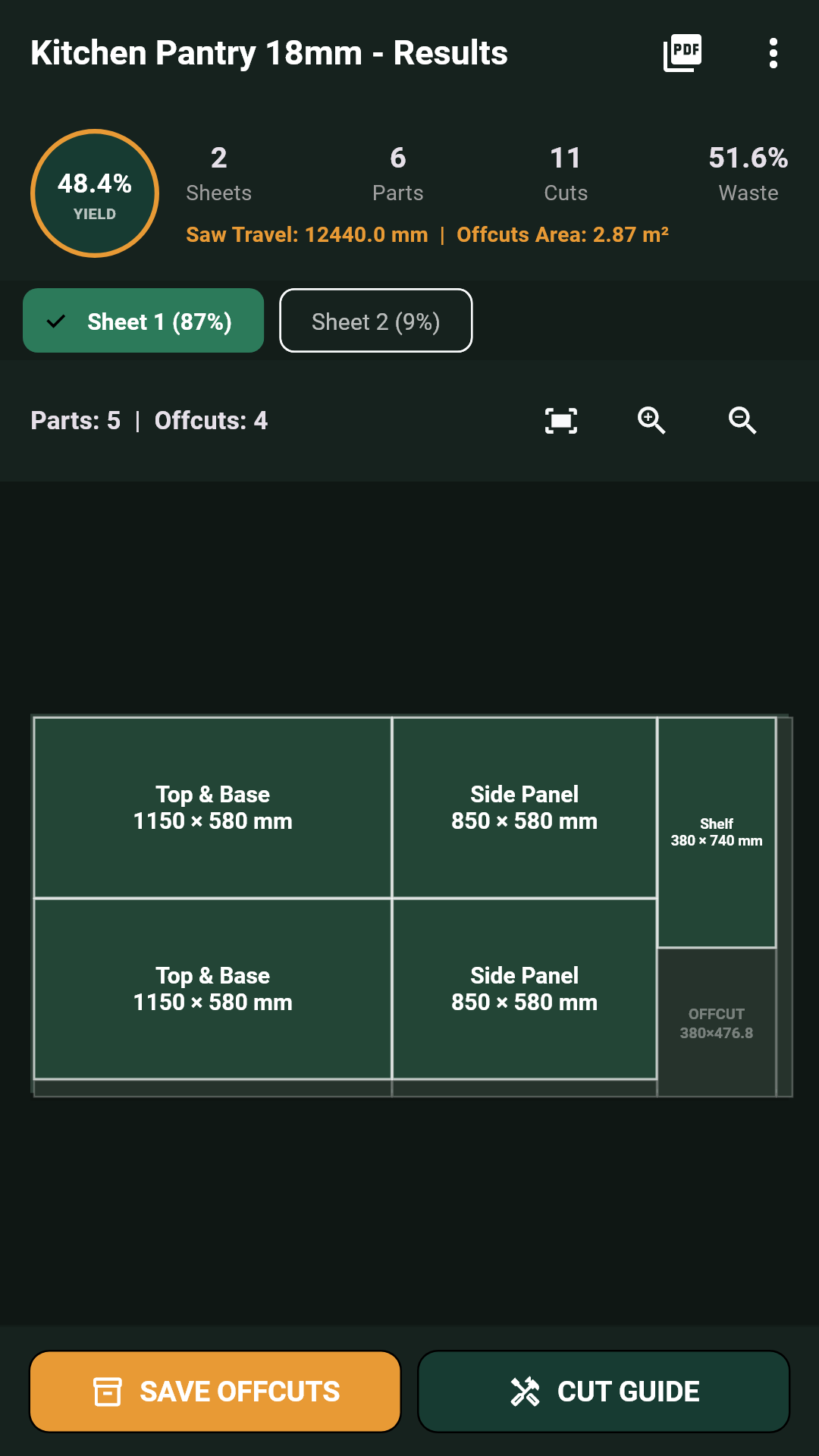
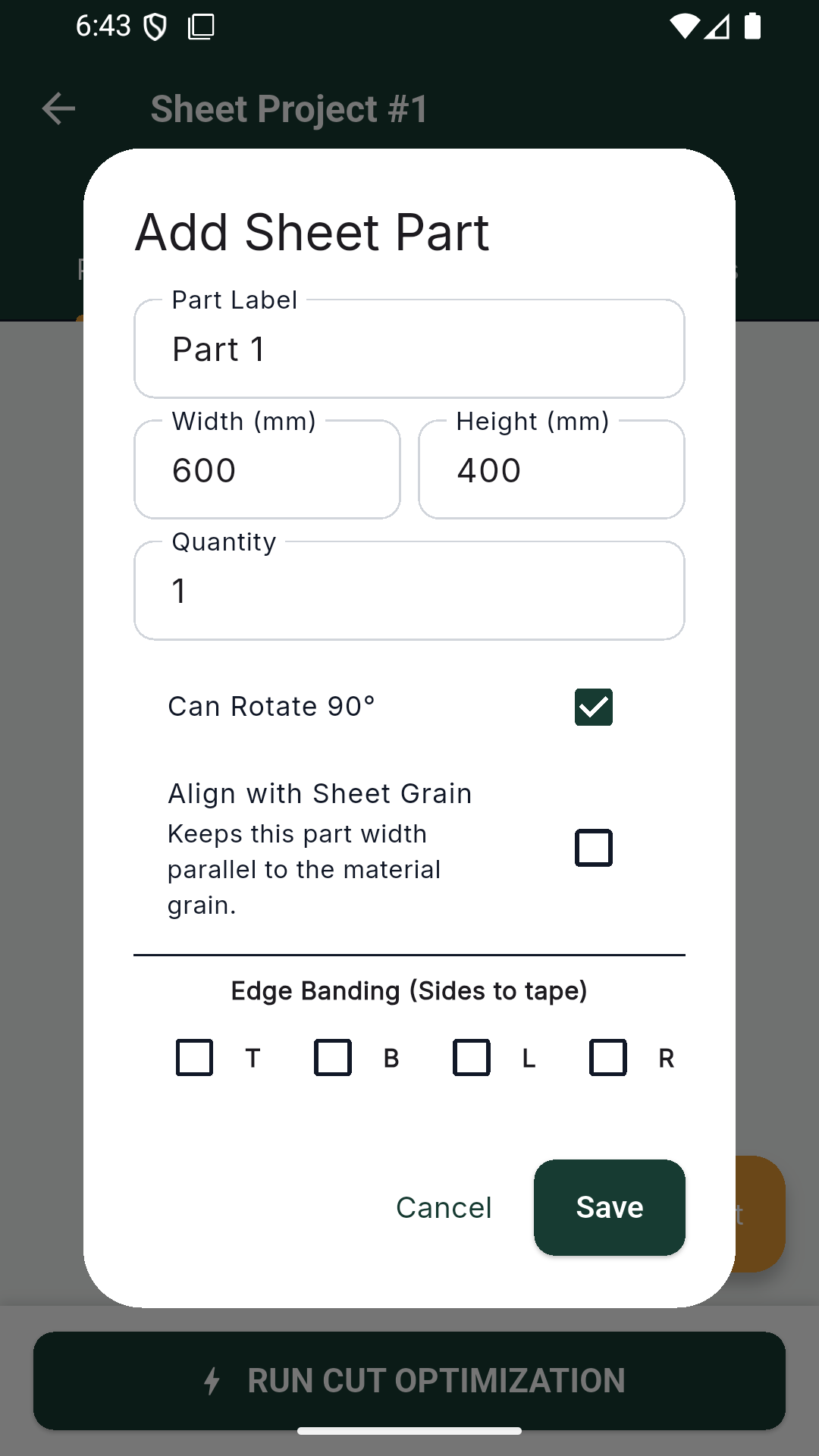
Short walkthrough: add sheet parts with grain/edge banding, run guillotine nesting, and inspect yield & offcuts.
Overview & Key Features
Plan 1D and 2D cuts using the part and stock dimensions you enter. Generate cutting layouts and review material use and reusable offcuts before working with your stock. Add rectangular parts and sheet stock, set quantities and blade kerf, and apply edge-trim, rotation and grain constraints. Record edge-banding needs by side. Review a guillotine-style...
What You Can Do
- Plan 1D and 2D cuts using the part and stock dimensions you enter.
- Generate cutting layouts and review material use and reusable offcuts before working with your stock.
- Add rectangular parts and sheet stock, set quantities and blade kerf, and apply edge-trim, rotation and grain constraints.
- Record edge-banding needs by side.
Related tools by Shamsaia
Explore other available tools for similar work and tasks.
- AV Signal & Projector CalcEstimate AV bandwidth, cable reach, projector throw and screen brightness.
- CCTV Storage & NVR CalculatorCCTV tools: storage, bandwidth, RAID, lens/DORI, PoE, voltage drop and subnets.
- CNC Machinist CalculatorMilling, turning, drilling, tapping, shop references and job setup sheets.
- Conduit & Electrical CalcCalculate conduit bends, offsets, saddles, NEC wire fill